
Understanding Different Types of Internet Services
Separate Wi-Fi, broadband and IP addresses, then understand what fibre, cable, DSL, mobile and satellite connections change in everyday use.
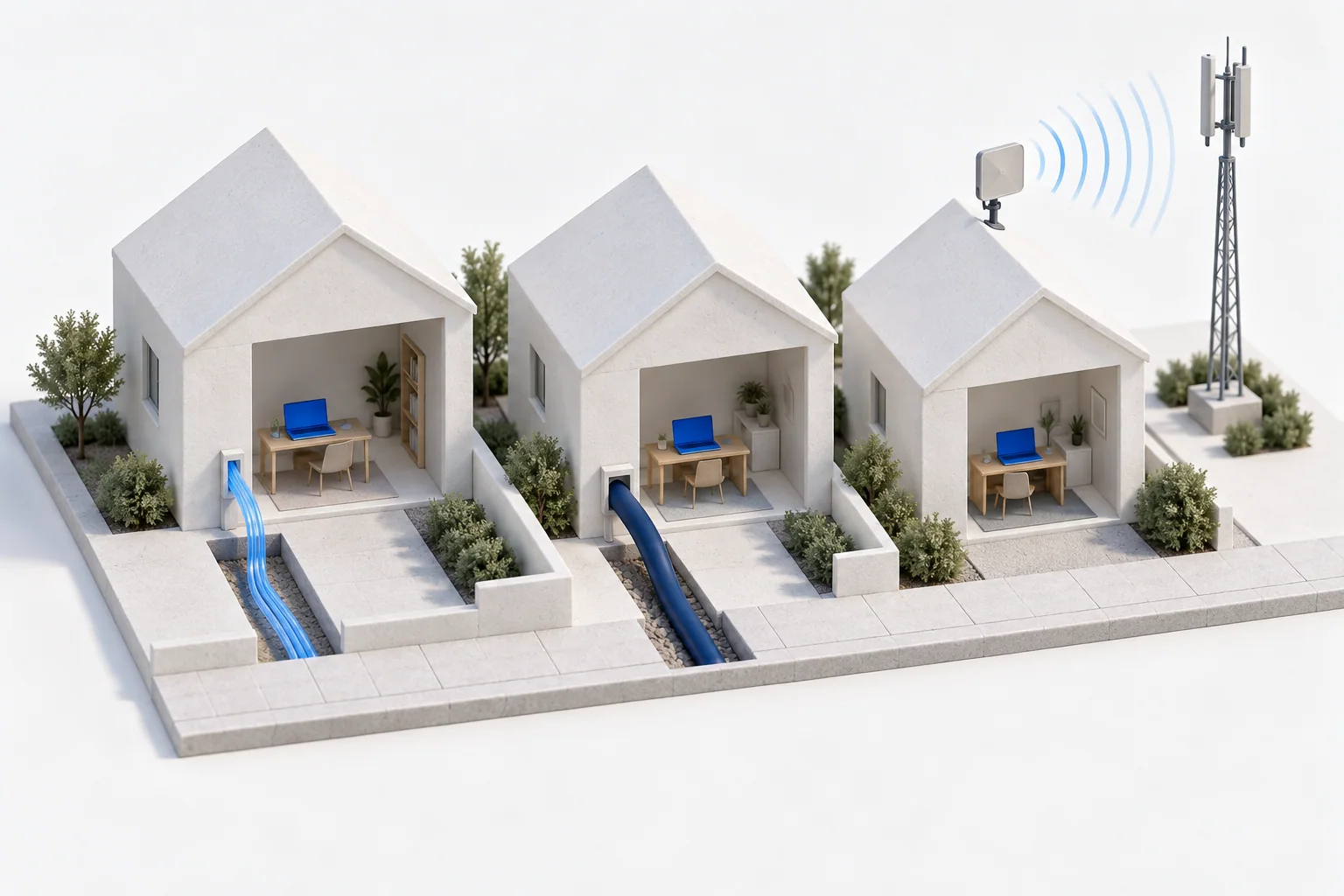
A video call freezes, even though your internet plan advertises a fast connection. The weak point could be the Wi-Fi across the room, the line into the building, or a busy route further away. Understanding the different parts helps you ask a better question than “Which package has the biggest number?”
Wi-Fi and internet access do different jobs
Wi-Fi usually connects your phone or laptop to a nearby router. Your internet service provider connects that router to other networks. A strong Wi-Fi signal does not prove that the connection beyond the router is working well.
Broadband is a broad name for high-speed access. Fibre, cable, DSL and wireless systems are ways to deliver it. They are not competing names for the same piece of equipment.
Wired connections: what reaches your door?
- Full fibre: optical fibre reaches the premises and carries data as pulses of light. It can provide high capacity in both directions. The speed you receive still depends on the service, equipment and onward network.
- Cable: coaxial cable, often combined with fibre elsewhere in the network, carries the connection into the building. Check upload as well as download speed, and performance when the local network is busy.
- DSL: broadband runs over copper telephone wiring. The length and condition of that copper path matter. A service described as “part fibre” may still use copper for its final stretch.
The distinction between full fibre, part fibre and cable is explained in Ofcom’s guide to broadband connections. Availability and performance have to be checked at the actual address.
Wireless access: a radio link beyond the router
Fixed wireless connects a home or office to a provider’s radio network. Mobile broadband connects phones, hotspots and other devices while they move. A home service may use a mobile network too; the important question is how well the signal and shared capacity serve that location.
Satellite access can reach places that are difficult to serve by cable. Not all satellite systems have the same delay: low-orbit and geostationary systems have very different travel distances. The FCC’s technology categories distinguish these systems, as well as terrestrial fixed wireless. Coverage, obstructions and the particular service still matter.
Start with the activity you want to improve
Watching a film mainly receives data; sending a large photo collection needs upload capacity. A conversation or an interactive game also needs a timely, steady response. Bandwidth describes how much data can move; latency describes delay. A large download figure cannot tell you both.
Compare the connection at the times and places you use it. If a wired connection to the router works well but Wi-Fi in another room does not, changing the broadband package may leave the real problem untouched. Ofcom’s Wi-Fi guide explains that part of the journey.
An IP address identifies a destination; it does not build the road
An IP address helps networks direct traffic. A static or dedicated address may be useful for a service that needs a consistent address, but it does not create an internet connection or automatically secure one. Addressing, connectivity and security answer different questions.
Continue with public and private IP addresses, or follow the connection to the other end: what happens when an application runs in the cloud?