
Understanding the Basics of Cloud Computing
Understand what cloud services provide, how IaaS, PaaS and SaaS divide the work, and what remains yours to configure, operate and move.
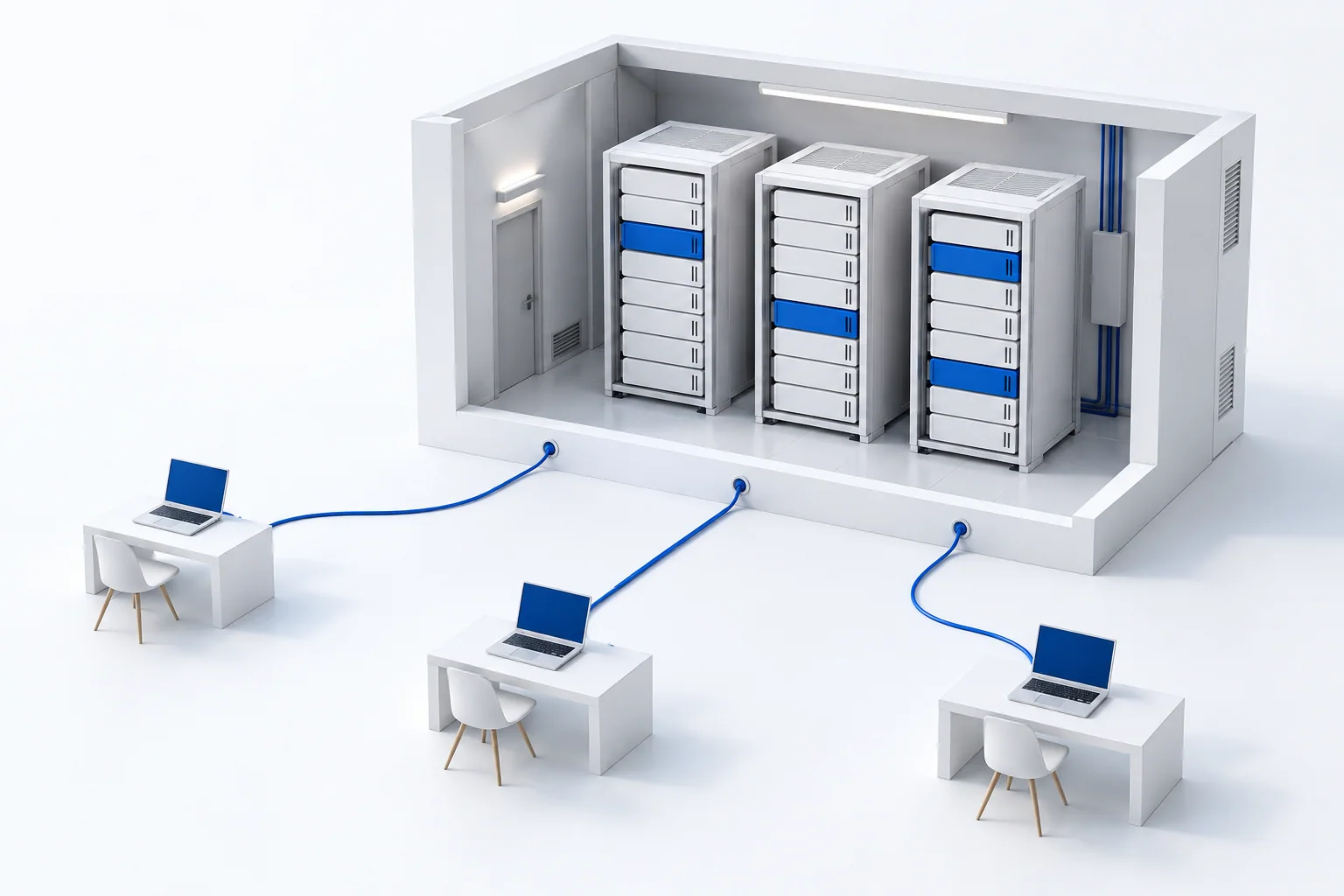
You open the same shared document on a laptop and a phone. The service stores the document and runs the application for you. Somewhere, physical computers are doing that work. “Cloud” describes a way to obtain computing capabilities over a network.
The useful change is how you obtain capacity
Instead of buying a server before you know how much capacity you need, a cloud service can let you request computing or storage when you need it, then release resources you no longer use. Software handles much of the provisioning.
A public cloud serves customers from a provider’s resource pool. A private cloud serves one organisation and can run on its own premises. Cloud computing is therefore a service and operating model, not simply another word for “a computer far away”. This distinction follows the NIST definition of cloud computing.
Three service models, three different starting points
- IaaS — infrastructure: you obtain computing, storage and networking, then install and run your software. For example, you can create a virtual machine for a website and manage its operating system and application.
- PaaS — a platform: you provide the application; the platform supplies more of the environment needed to run it. You spend less time operating the underlying system, while working within the platform’s supported tools and capabilities.
- SaaS — an application: you use a finished service, such as shared documents or email. You configure accounts and how people use it, while the provider operates the application.
These models describe what you receive and what you still run yourself. They are not a ladder from worse to better. Someone who wants to write a document has a different task from someone who wants to build the document editor.
What becomes easier, and what still needs a decision?
Cloud services can shorten the time between an idea and a working application. Capacity can grow with demand, and a small team can use services that would take substantial effort to operate alone.
The cost follows the actual service: running machines, stored data, transfers or user accounts may be billed differently. More flexibility does not make every workload cheaper. Capacity also has practical limits, such as quotas and regional availability.
The provider may maintain the physical equipment, but your account permissions and application settings still shape who can see or change data. AWS’s shared-responsibility explanation illustrates how the division changes with the service. Likewise, recovery depends on the copies, retention and restore process you actually set up; it is not guaranteed by the word “cloud”.
Choose the work you want to keep
Begin with a concrete task: using an application, publishing your own, or controlling its whole software environment. Then look at the work that remains for your team, the way costs grow, and how you can take your data elsewhere.
Physical location is another decision. An application can use both nearby processing and larger shared resources. Continue with edge computing and cloud computing, or step back to the connection that gets you there.