
Understanding Cloud Services in a Nutshell
Use a photo across two devices to understand cloud services, distinguish sync from backup, and keep practical control of sharing, offline copies and recovery.
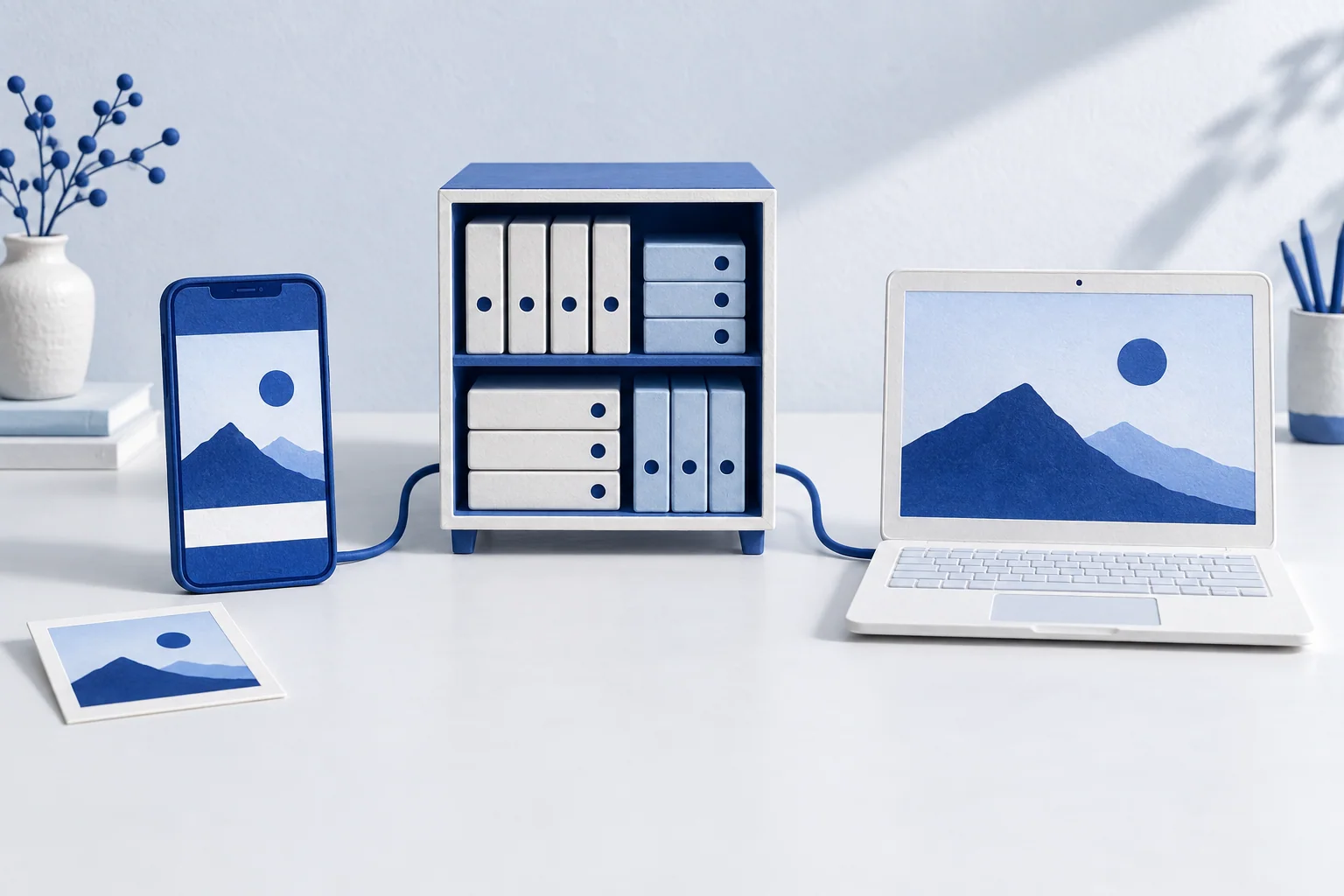
Take a photo on your phone, then open it on your laptop. You did not send an email or plug in a cable. An online service received the file and made it available to another device signed into your account. That ordinary moment is a useful way to understand the cloud.
The cloud has a physical address
A cloud service runs on computers somewhere: machines with processors, storage, electricity and network connections. The service lets you use some of their capacity through an app or a browser. You can keep a document online, edit it with someone else, or run software without installing and maintaining all the machinery yourself.
For a photo service, the important distinction is between the file on your device and the copy held by the service. They may look identical on screen. They do not necessarily have the same resolution, availability or recovery options.
One picture on three screens is not three independent backups
Sync keeps a collection up to date across devices. When you edit a picture, another device can receive the change. Deleting a picture can travel the same way. A backup serves a different purpose: keeping a recoverable copy when something happens to the working collection.
Apple's iCloud Photos guide makes this concrete. Deletions appear on the other devices using the service; deleted items normally remain recoverable for 30 days. Apple also explains that photos in iCloud Photos are not duplicated in iCloud Backup and advises keeping backup copies. Seeing a photo on your phone and laptop therefore does not, by itself, establish that you have an independent backup.
Space-saving settings can leave a smaller version on the device while the original stays online. Before a journey without reliable internet, download the originals you want to use. For pictures you cannot replace, keep a separate copy and check that you can open it.
What the service makes easier
A shared document gives a group one place to work instead of a chain of conflicting attachments. An online photo library makes it easier to change devices. A streaming service delivers media without requiring you to keep the whole catalogue locally. These are different products, but each makes remotely operated computing useful through a familiar interface.
The convenience comes from a division of work. The provider runs the service and its underlying equipment. You still choose what to upload, who can see it and which copies to keep. Storage allowance, connection speed and account access still matter.
Try it with one file
- Upload a file you can replace. Open it on another device and confirm that it is the version you expect.
- Check its sharing settings. A private file, a link anyone can open and a file shared with named people are different choices.
- Download or export a copy. Disconnect from the internet and open it to see what is actually available locally.
- Find the service's version history or recovery instructions. Use a disposable test file to learn what a deletion does before relying on it for important work.
This small exercise turns an abstract promise into something you understand. You know where the file is, how another person reaches it and how you can take it with you.
From using an app to choosing infrastructure
Using a photo app is different from renting a virtual server and building your own service. The basics of cloud computing explains how different service models divide that work. If you are choosing infrastructure, continue with how to compare cloud providers.
The useful question is what you gain and which decisions remain yours. A service can save you work while you keep a clear route to your data, your collaborators and your next choice.