
Comparing Top Cloud Providers: AWS, Azure, Google Cloud, etc.
Compare AWS, Azure, Google Cloud, Alibaba and Tencent through the work you need to run, the full cost, the operating effort and your ability to move.
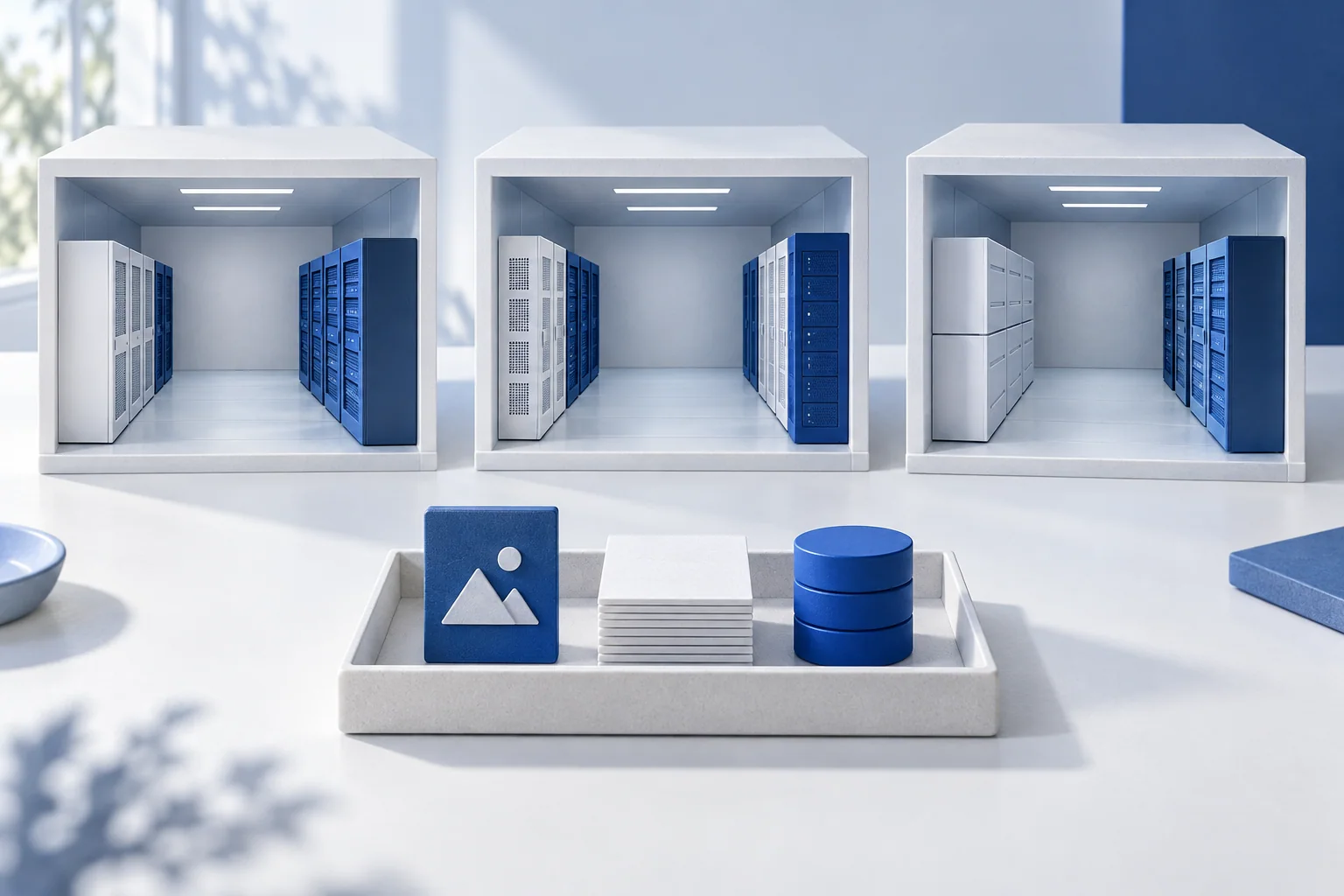
Suppose a small business wants a website with product photographs and a list of customer orders. It needs somewhere to run the application, somewhere to keep image files, and a database that can retrieve and update orders. Start with those three jobs. They make cloud providers much easier to compare than a list of market shares.
Different names for recognisable jobs
A virtual machine is a computer you configure and run remotely. Object storage holds files such as images. A managed relational database stores structured records while the provider handles some of the operating work. The following are examples in each provider's catalogue, not identical products or a ranking.
|
Provider |
Virtual machines |
Object storage |
Managed relational database |
|---|---|---|---|
|
AWS |
Amazon EC2 |
Amazon S3 |
Amazon RDS |
|
Microsoft Azure |
Azure Virtual Machines |
Azure Blob Storage |
Azure Database for PostgreSQL |
|
Google Cloud |
Compute Engine |
Cloud Storage |
Cloud SQL |
|
Alibaba Cloud |
Elastic Compute Service (ECS) |
Object Storage Service (OSS) |
ApsaraDB RDS |
|
Tencent Cloud |
Cloud Virtual Machine (CVM) |
Cloud Object Storage (COS) |
TencentDB for MySQL |
Product names and categories are drawn from Google's cross-provider service comparison, Alibaba's RDS overview and Tencent's product catalogue. Database engines, available configurations and supported features differ; a MySQL service is not a drop-in replacement for a PostgreSQL application.
Compare the work your team would actually do
For the example website, one option is to rent virtual machines and install the application and database yourself. Another is to use a managed database and an application hosting service. The second can remove operating tasks, but you still need to understand configuration, access, recovery and the features the application depends on.
Begin with the system you already have. Which database engine does it use? How is it deployed? Which tools can the team maintain? A familiar setup can reduce work; an unfamiliar service may still be worthwhile if it solves a concrete problem. Make that benefit explicit.
Then choose the locations in which the application must work. Test response times from where users actually connect, and check that the particular services and features you need are available together in the chosen region. A provider's worldwide region count cannot answer either question for you.
Price a complete month of work
Give each candidate the same assumptions: expected visits, hours of computing, stored files, database size, backups and data sent to users. Include support if the team will need it. A cheap virtual machine is only one line in that estimate.
The AWS Pricing Calculator guide, for example, builds an estimate from regions, services and usage assumptions and lets you add support. An estimate depends on those inputs; it is not a promise about your bill. Keep the assumptions alongside the number so that you can compare like with like.
For a photo-heavy site, sending images to visitors can matter more than it does for a small internal form. For a system that needs to recover quickly, the extra database capacity and recovery arrangements also matter. Test your own pattern instead of looking for a universally cheapest provider.
Try the return journey before committing
Run a small version of the same application on your shortlist. Upload sample pictures, create test orders, export the records and restore them into a separate test environment. Check how you would replace any provider-specific services. Copying the files is only part of moving an application.
Record three things: how much work it took to get running, what it costs under the same usage assumptions, and what it takes to move or recover. A successful test gives a small team a better basis for choosing than a brand's position in a league table.
Keep the choice connected to your purpose
You do not need to build across several clouds just to demonstrate independence. A single well-understood service may be the most practical starting point. The important thing is to know which responsibilities you have handed over and whether another arrangement remains feasible.
Cloud service models explains that division of work. Edge and cloud computing then considers where different jobs belong. Spreading machines across locations and spreading decision-making power are separate questions; a useful infrastructure choice makes both easier to see.